Deployment
Install from stable release
curl -fsSL https://taranis.ai/install.sh | bash
Clone via git
git clone --depth 1  https://github.com/taranis-ai/taranis-ai
cd taranis-ai/docker/
Configuration
Copy env.sample to .env
cp env.sample .env
Open .env and change the defaults before exposing the instance on a network. More details about environment variables can be found in the docker README.
Redis and worker queues
Taranis AI uses Redis and RQ for worker queues, scheduled jobs, and frontend cache storage.
| Variable | Used by | Purpose |
|---|---|---|
REDIS_URL | core, frontend, workers | Redis connection URL for RQ queues and cache fallback. |
REDIS_PASSWORD | core, frontend, workers | Redis password. Set this in production. |
CACHE_REDIS_URL | core, frontend | Optional dedicated Redis URL for frontend cache and cache invalidation. Falls back to REDIS_URL. |
CACHE_REDIS_PASSWORD | core, frontend | Optional dedicated cache Redis password. Falls back to REDIS_PASSWORD. |
RQ_DEFAULT_JOB_TIMEOUT | core | Default RQ job timeout in seconds for queued worker tasks. Default: 180. |
The Compose deployment wires Redis into core, frontend, collector, cron, and workers. If queued jobs are accepted but not processed, verify that Redis is reachable and at least one worker container is running.
See Background Jobs for Redis/RQ architecture, health checks, scheduled jobs, and upgrade notes.
LLM bot settings
The Compose deployment includes the optional llm-bot service for LLM-backed summaries, title generation, NER, clustering, and sentiment.
| Variable | Purpose |
|---|---|
BOT_API_KEY | Shared secret used by workers when calling bot services. |
LLM_BASE_URL | Base URL of the upstream OpenAI-compatible API. |
LLM_API_KEY | Upstream API key. |
LLM_MODEL | Model name, unless the upstream provides a default. |
LLM_TIMEOUT | Upstream request timeout in seconds. |
LLM_BOT_PORT | Internal llm-bot port, default 8000. |
See LLM Bot Service for endpoint mapping and bot configuration.
Analyst Chat
Optional Chat is disabled by default. Enable CHAT_ENABLED=true on core and frontend, then configure the provider in Admin Settings > Chat. Chat uses Redis and calls its provider directly from core, independently of llm-bot and workers.
See Chat deployment for setup, proxy timeouts, validation, and disabling the feature while preserving history.
Images and tags
Taranis AI images are tagged as follows:
- Official release version number (e.g.
1.1.7) - Every official image release comes with an extra stable tag, in case pinning the release is not favourable (
stable) - Latest tag for tracking the latest uploaded image, there is no guarantee this is an officially released image (
latest)
See Internal TLS Configuration for setting up TLS encryption and Advanced monitoring for more logging insights. For detailed information about container tags, release strategy, and deployment recommendations, see Releases and Container Tags.
Startup & Usage
Pull the configured release images before starting or upgrading:
docker compose pull
Start the application:
docker compose up -d
Verify readiness:
curl -fsS http://<url>:<TARANIS_PORT>/api/health
docker compose ps
Use the application:
http://<url>:<TARANIS_PORT>/login
Initial Setup
The default credentials are user / user and admin / admin. Change them before production use.
The passwords for these two default users can be overridden by setting the environment variables PRE_SEED_PASSWORD_ADMIN or PRE_SEED_PASSWORD_USER before first launch.
Afterwards they are stored in the database in the user table.
For existing database-auth users, passwords and role assignments can be repaired with the operational CLI. See User Management.
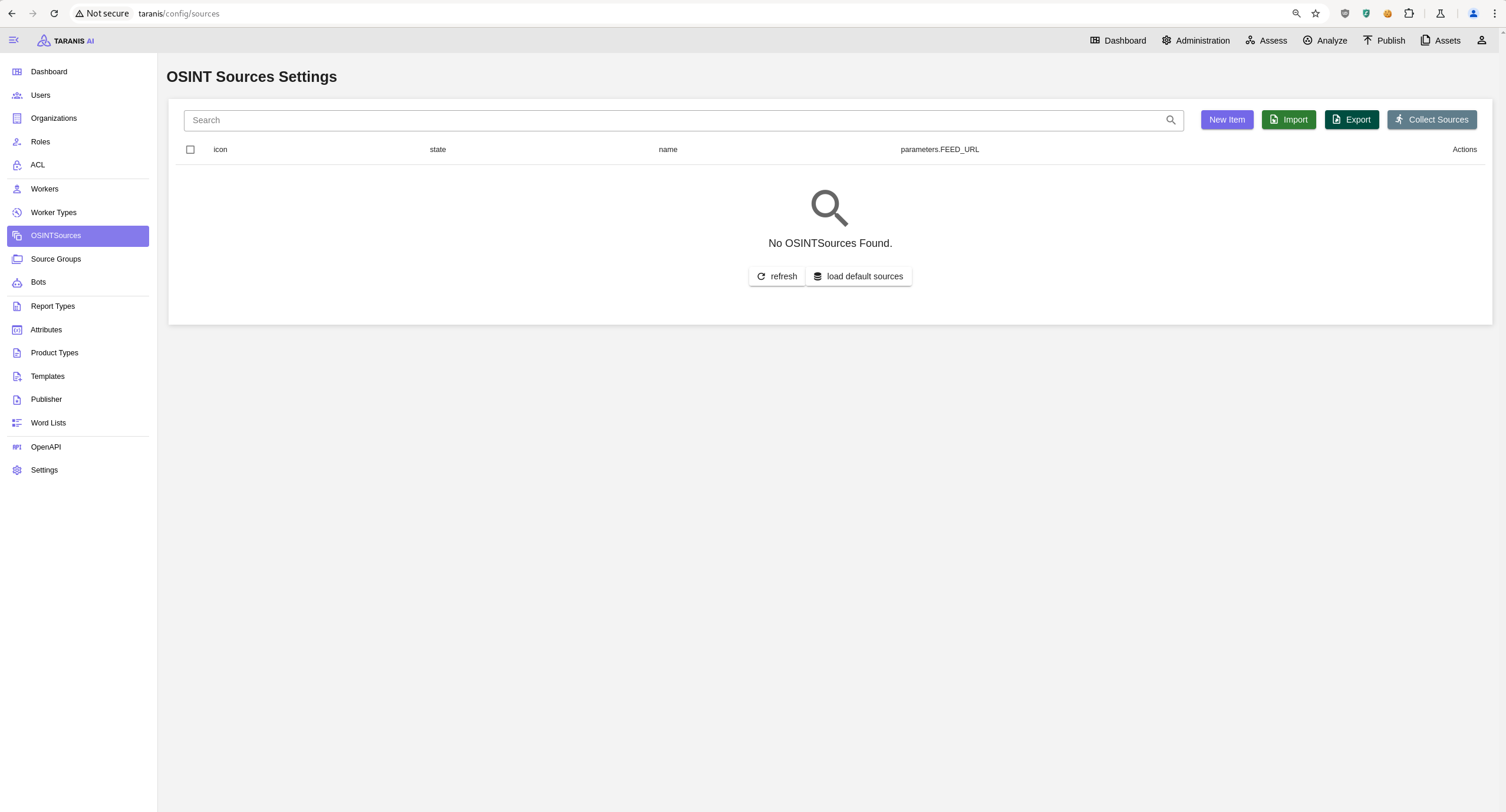
Open http://<url>:<TARANIS_PORT>/config/sources and click load default sources to import the default sources from: default_sources.json
Or import a source export via the Import.