User Management
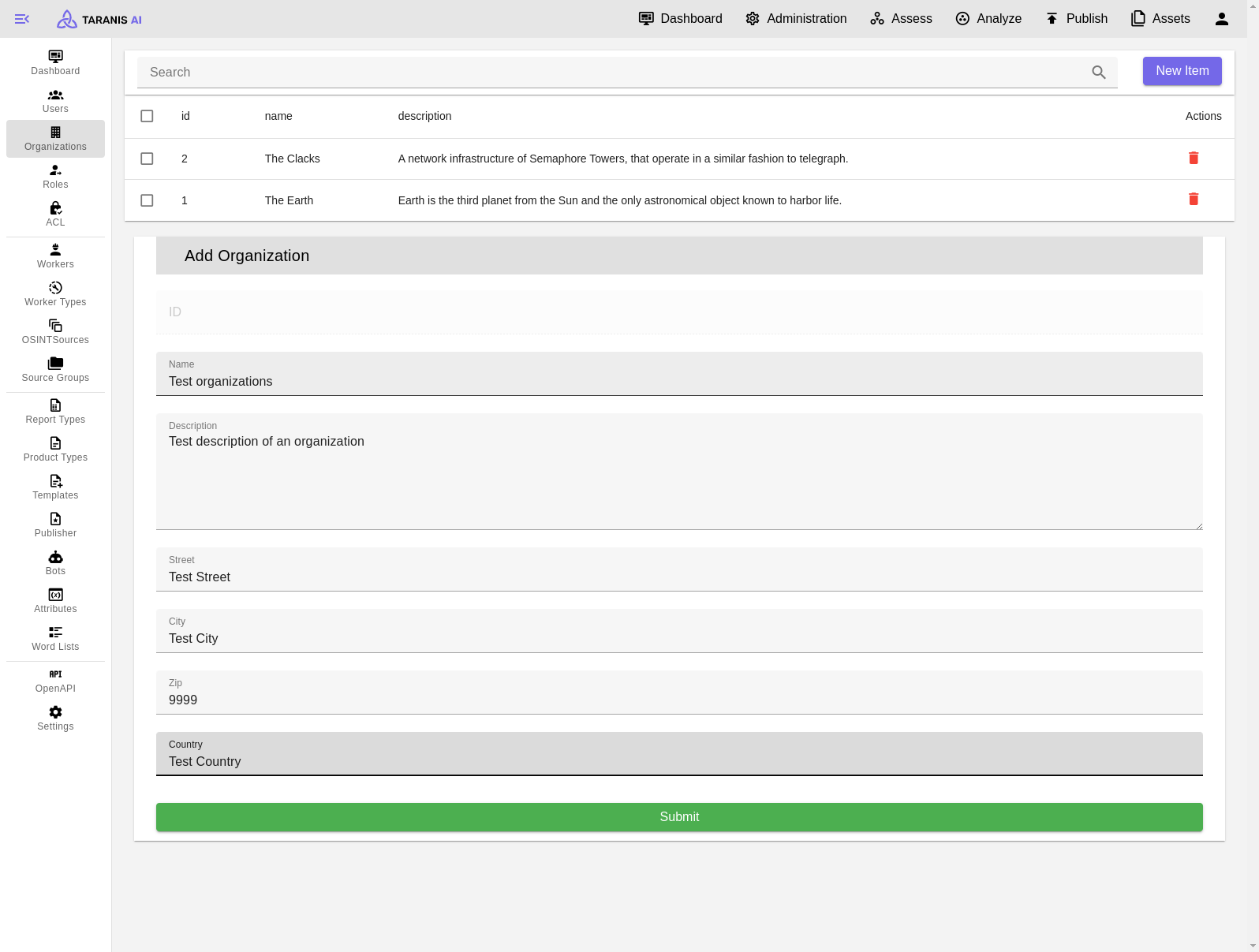
Organizations
Organizations can be added with following parameters defining them: name, description, address.
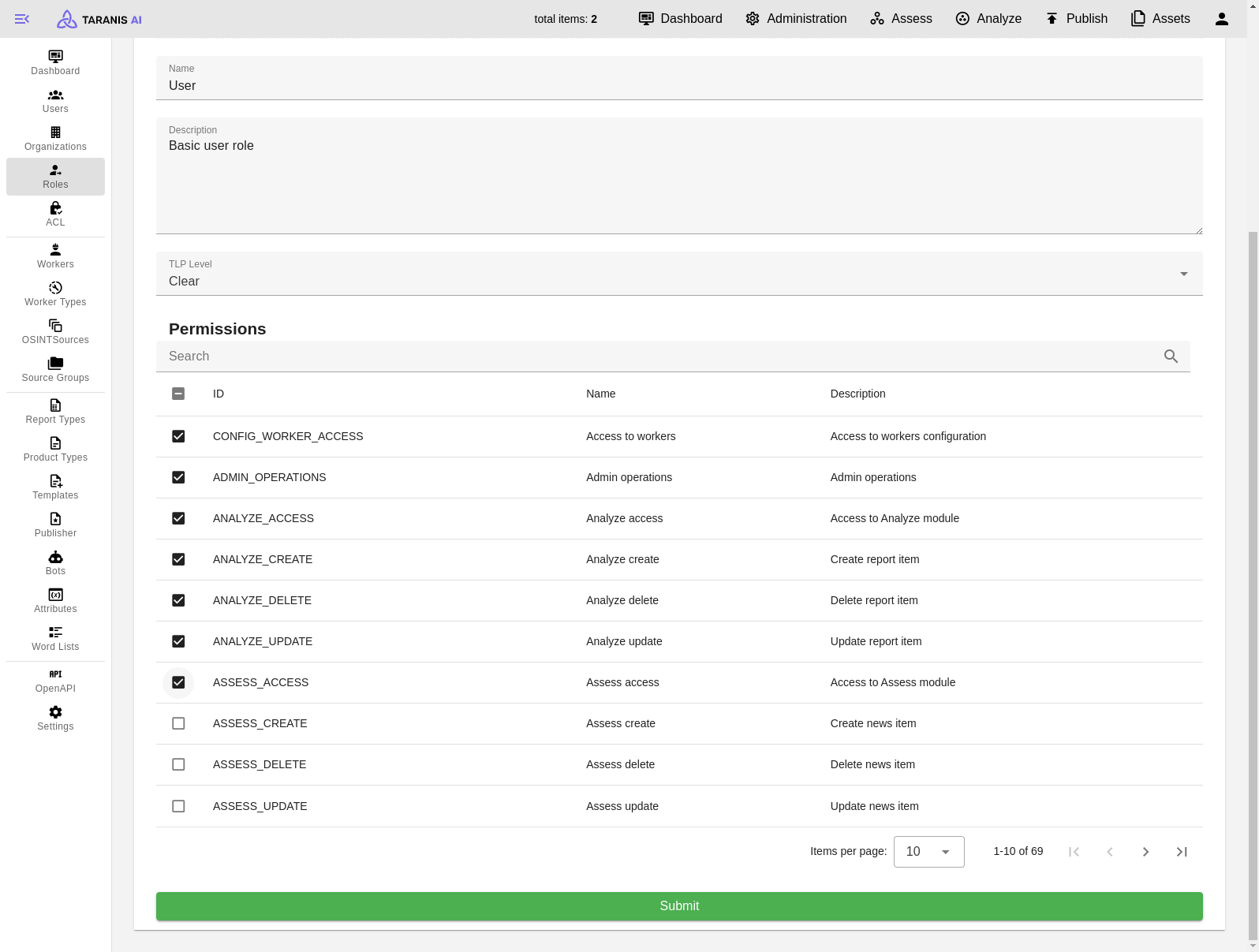
Roles
Define roles with permissions. Roles are then assigned to users to control access to administration, Assess, Analyze, Publish, connector, and worker features.
Access-control lists (ACLs) restrict user-facing content and reference data. A user can be granted access to a source directly or through an ACL on one of its source groups; a source-group wildcard grants access to all sources, including ungrouped sources. ADMIN_OPERATIONS bypasses these ACL checks, but does not bypass TLP restrictions. Administration and configuration access is controlled by the relevant CONFIG_* permissions.
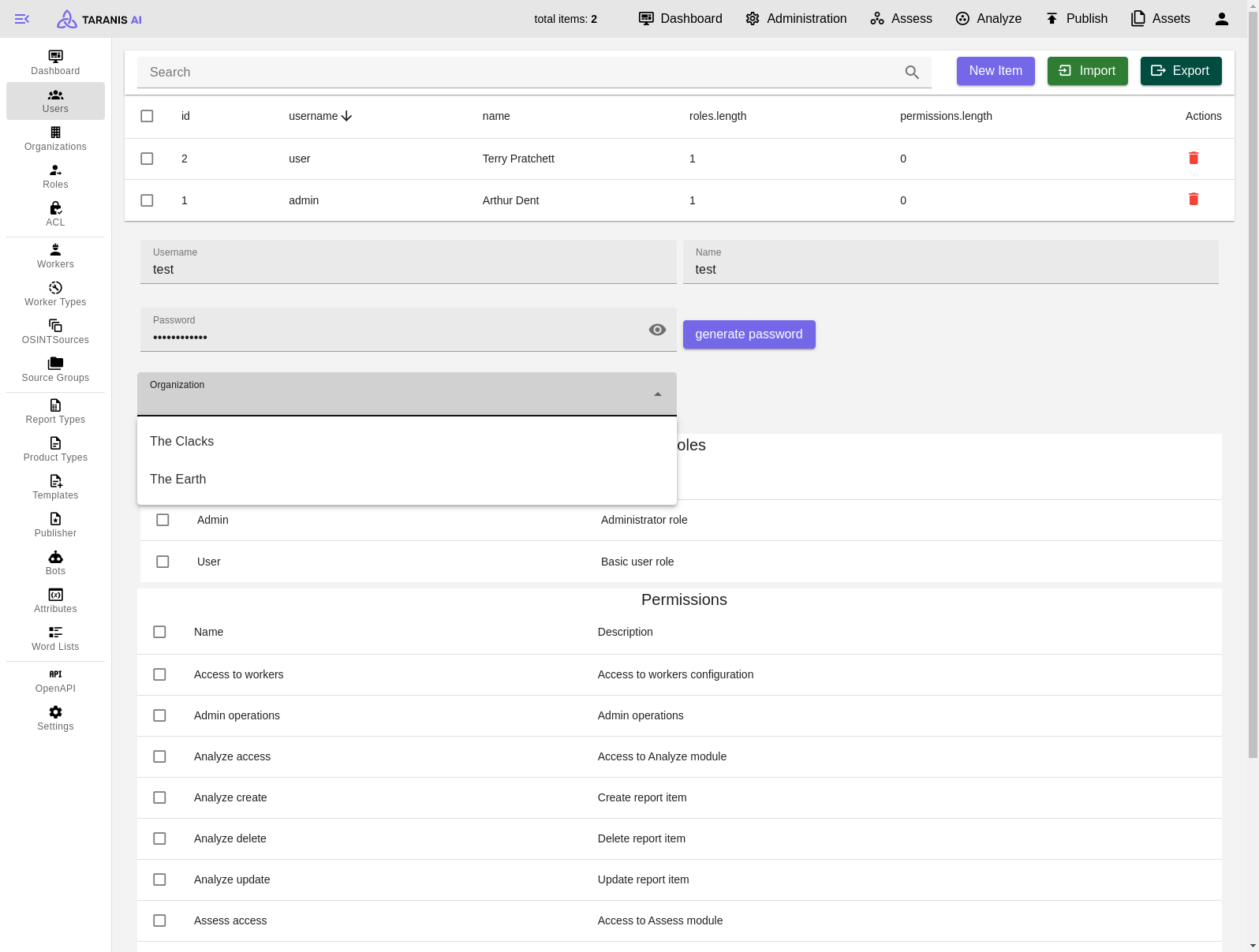
Users
Manage users and assign them roles and an organization.
The user table supports JSON import and export:
- Export downloads
users_export.json. If users are selected, only those users are exported; otherwise all users are exported. - The export format is
version: 1with adatalist containing user names and usernames. - Passwords are never exported.
- Import accepts the exported JSON format, then assigns the selected organization and selected roles to every imported user.
- Existing usernames are skipped and reported in a warning instead of failing the whole import.
- Imported users without a password stay passwordless. Use this for externally authenticated users, or set a local password afterwards.
Operational CLI
Operators can repair existing database-auth users from inside the core container with taranis-cli.
Reset an existing user’s password:
docker exec -it core taranis-cli set-password admin
kubectl exec -it deploy/core -- taranis-cli set-password admin
For non-interactive automation, pass the password through standard input:
printf '%s\n' 'new-password' | docker exec -i core taranis-cli set-password admin --password-stdin
Replace an existing user’s complete role list:
docker exec -it core taranis-cli set-roles user Admin
kubectl exec -it deploy/core -- taranis-cli set-roles user Admin User
set-roles accepts exact role names or role IDs. It replaces the full role list; include every role the user should keep. Prefer the password prompt or --password-stdin so passwords do not land in shell history.
Screenshots
Add new Organization
Edit basic user role
Add new User