OSINT workflow
Functionalities
- Create OSINT Sources
- Add word lists
- Adapt word list’s functionality
- Enable include/exclude list filtering
- Bot selection
- Collect Sources
1. Create OSINT Sources
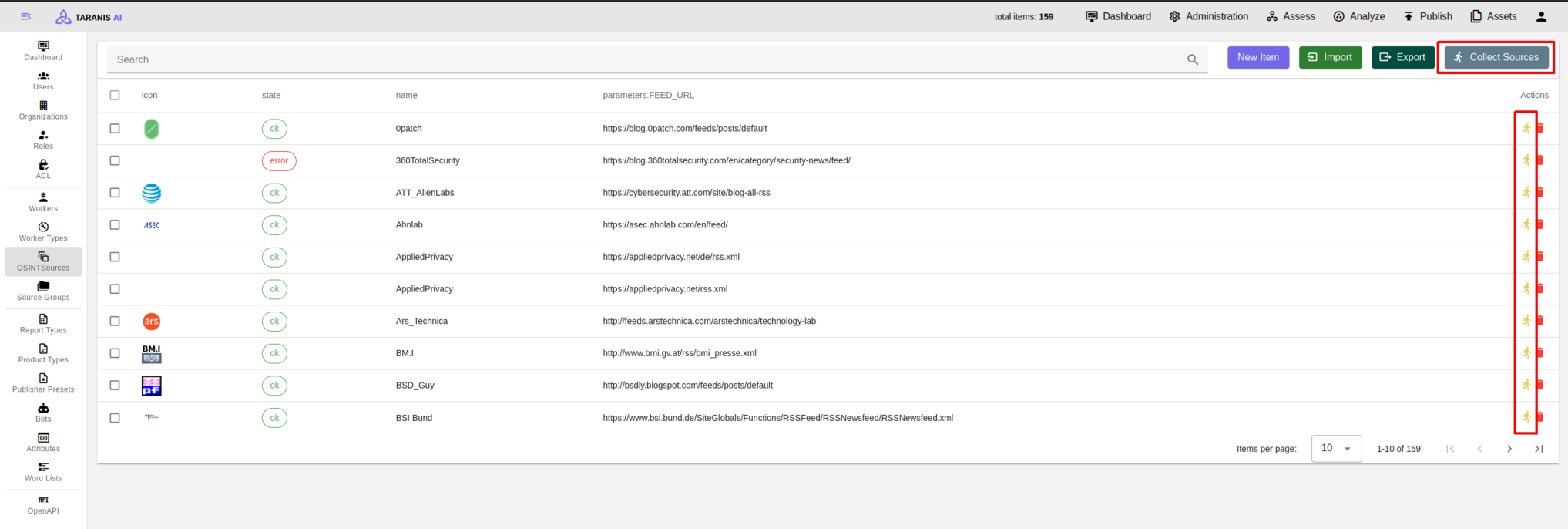
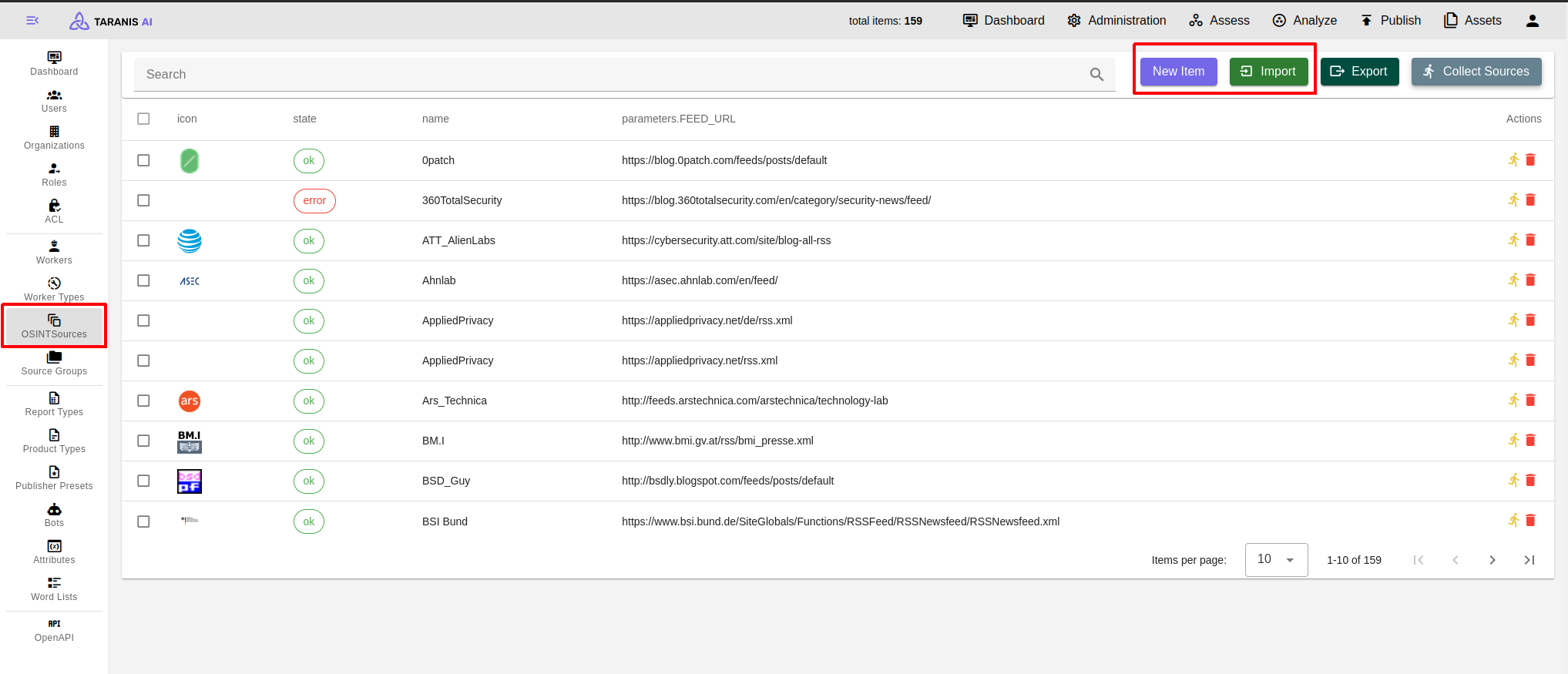
- Import/Export: Sources can be imported and exported as JSON
- CRUD: Sources can be created, updated and deleted. For each source a collector, feed URL and the content location can be defined among other things.
To get started there is list of RSS sources we worked with: Initial setup
2. Add word lists
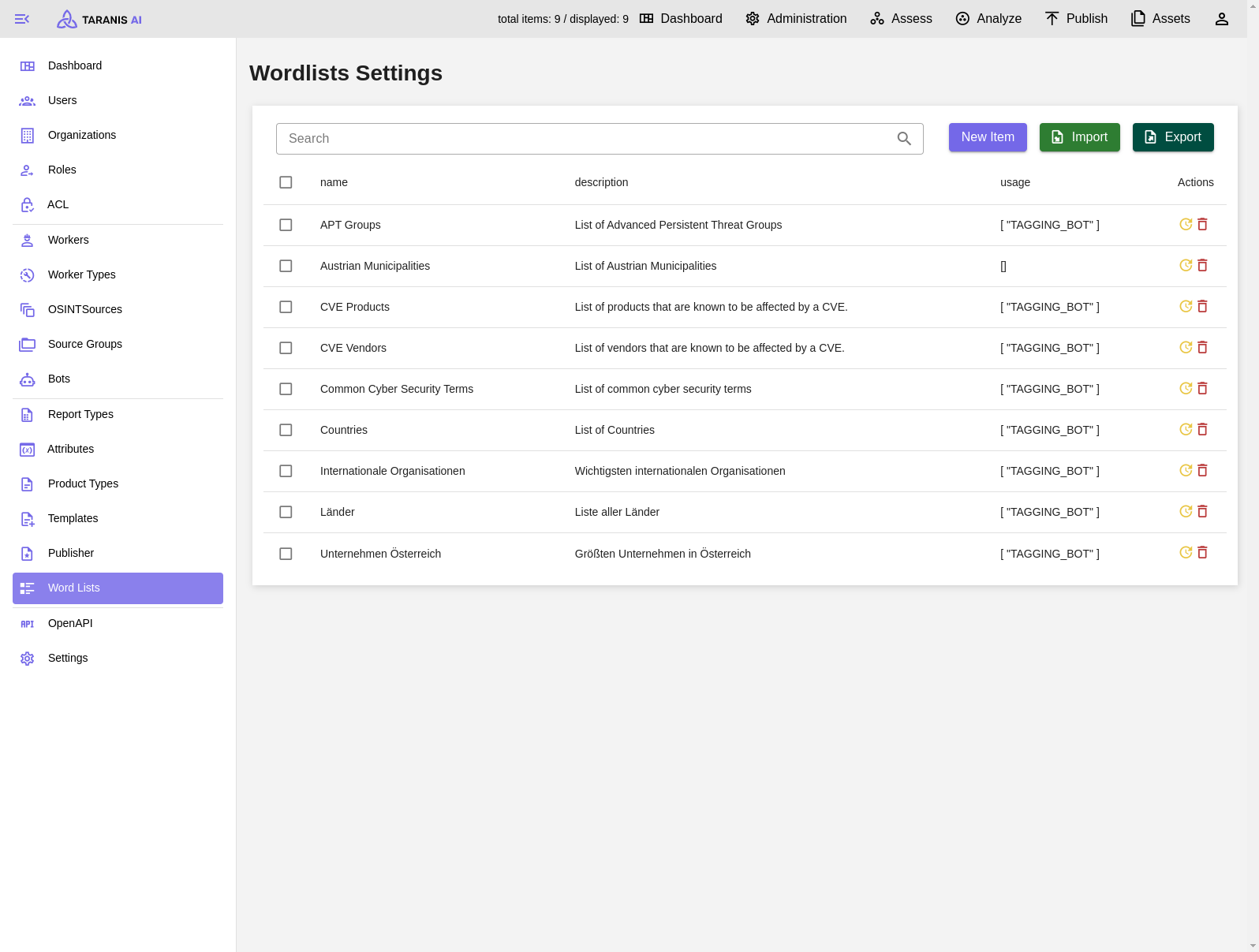
- Import/Export: Word lists can be imported and exported as json
- CRUD: Word lists can be created, updated and deleted.
3. Adapt word list’s functionality
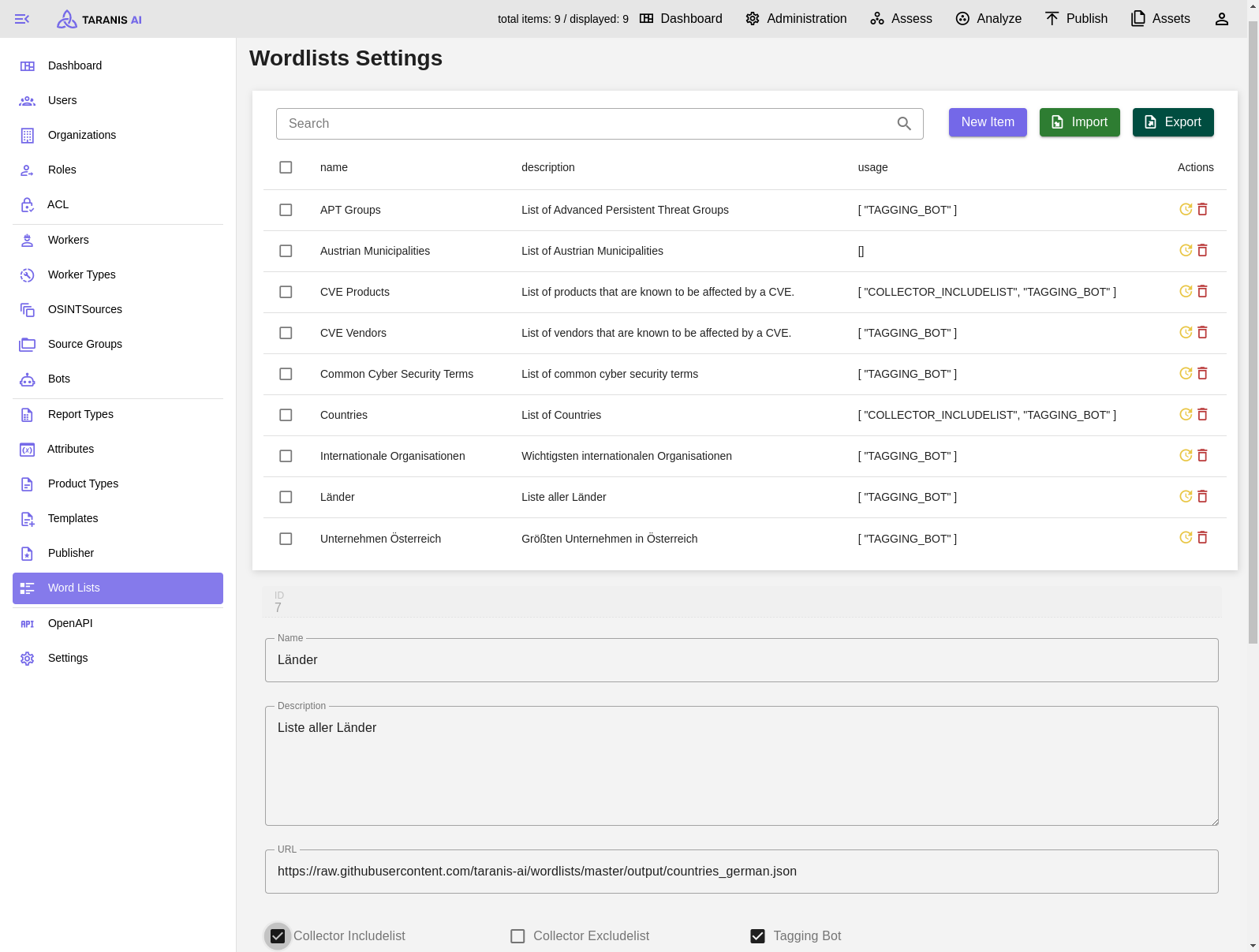
Word lists can have the following functionalities (displayed under “usage”):
- Collector Includelist: Collected news items using words of this word list will be accepted
- Collector Excludelist: Collected news items using words of this word list will not be accepted
- Tagging Bot: Collected news items will be tagged with words from these word lists
- Collector Includelist & Tagging Bot: A word list can be used for tagging and include listing
4. Enable include/exclude list filtering
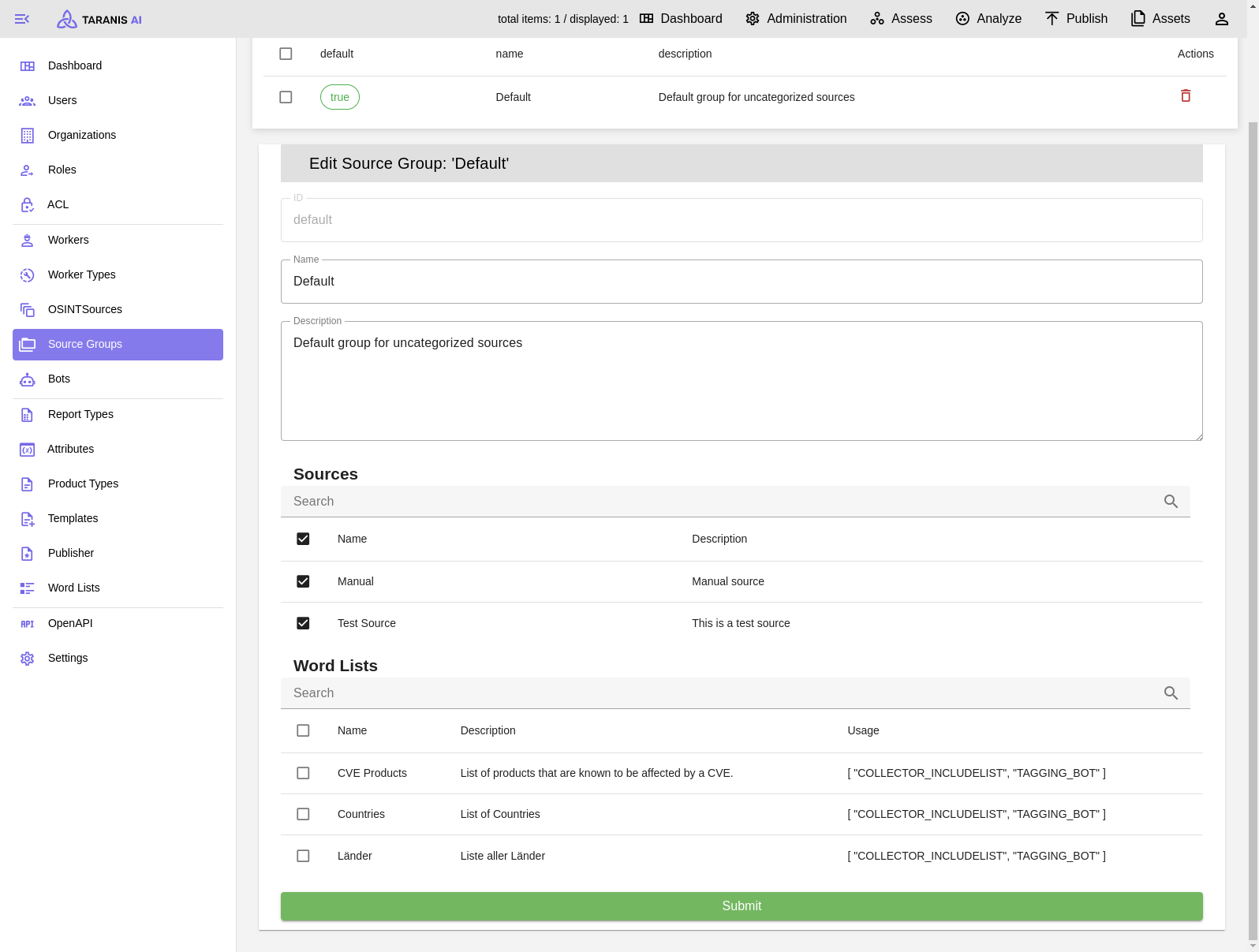
To activate include or exclude lists, they need to be added to the default source group.
It has to be mentioned, that this include/exclude filtering happens during the news item collection. Therefore, only filtered news items will be stored in the database and displayed in “Assess”.
5. Bot selection
After the collection, it is possible to adapt news items.
Common bots include:
- Wordlist Bot: Tags News Items by wordlist.
- IOC Bot: Finds indicators of compromise in News Items.
- NLP Bot: Tags News Items via named entity recognition.
- Story Clustering Bot: Groups related Stories.
- Summary Bot: Summarizes Stories and can generate Story titles.
- Sentiment Analysis Bot: Adds sentiment attributes to News Items.
- Cybersecurity Classifier Bot: Classifies whether content is cybersecurity related.
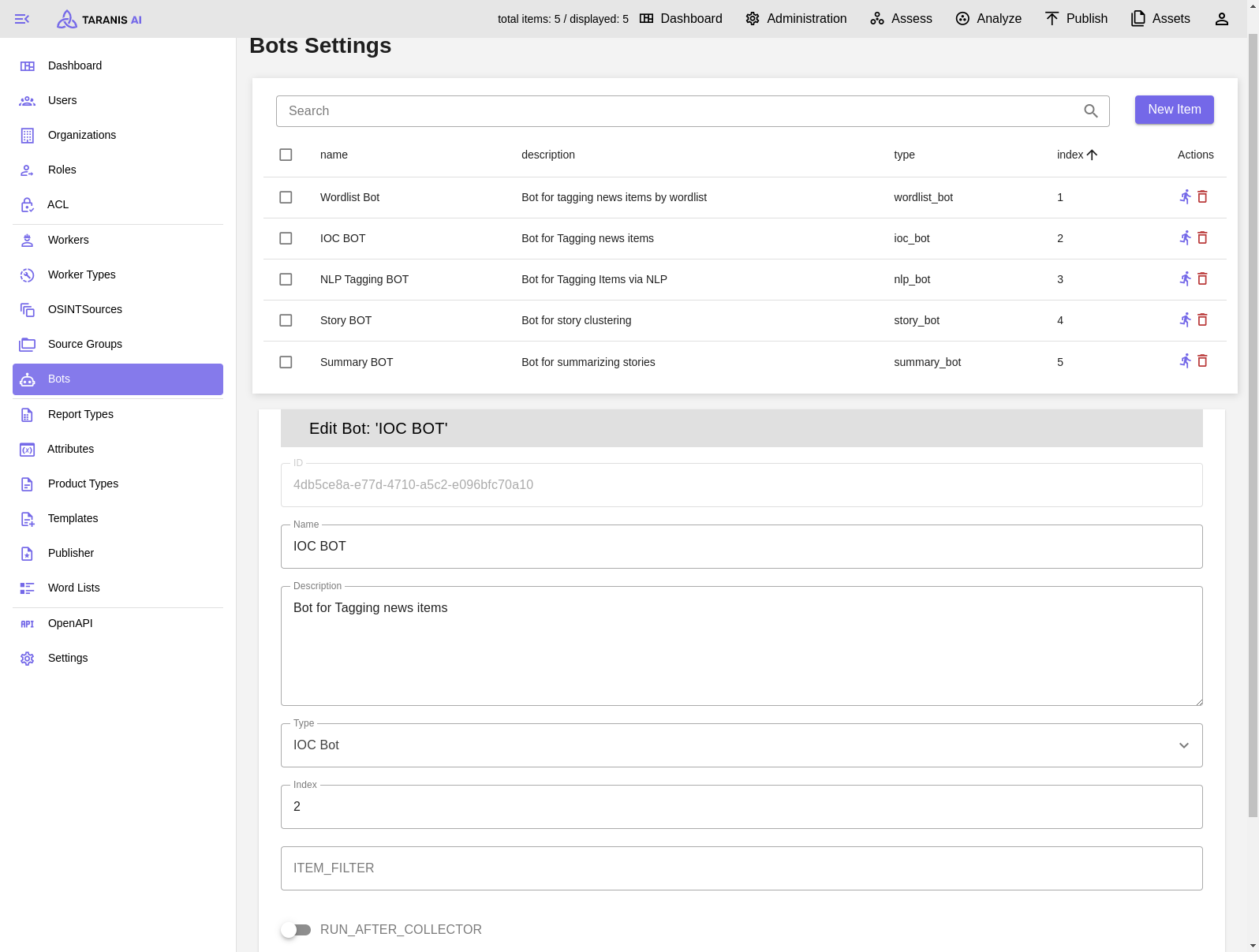
CRUD: Bots can be created, updated and deleted.
Index: Decides the order of bots
RUN_AFTER_COLLECTOR: Indicates if bot is active after collection
LLM-backed bots can use the optional LLM Bot Service. Full bot configuration is documented in Bots.
The optional IntelOwl Bot enriches indicators extracted by the IOC Bot. Configure IntelOwl and keep the IOC Bot before it in the run order; see IntelOwl enrichment.
6. Collect Sources
After all settings are made, sources can be collected. Either collect all sources by clicking on the “collect sources” button, or collect single sources.