User Management
Users, Organizations and Roles can be managed by admin users in the Administration tab.
These options are accessible only via users with respective administration privileges. (See User management)
See Admin Dashboard for workflow statistics, queue navigation, release information, system health, and task outcomes.
Administration dashboard showing statistics and all its functionalities (sidebar)
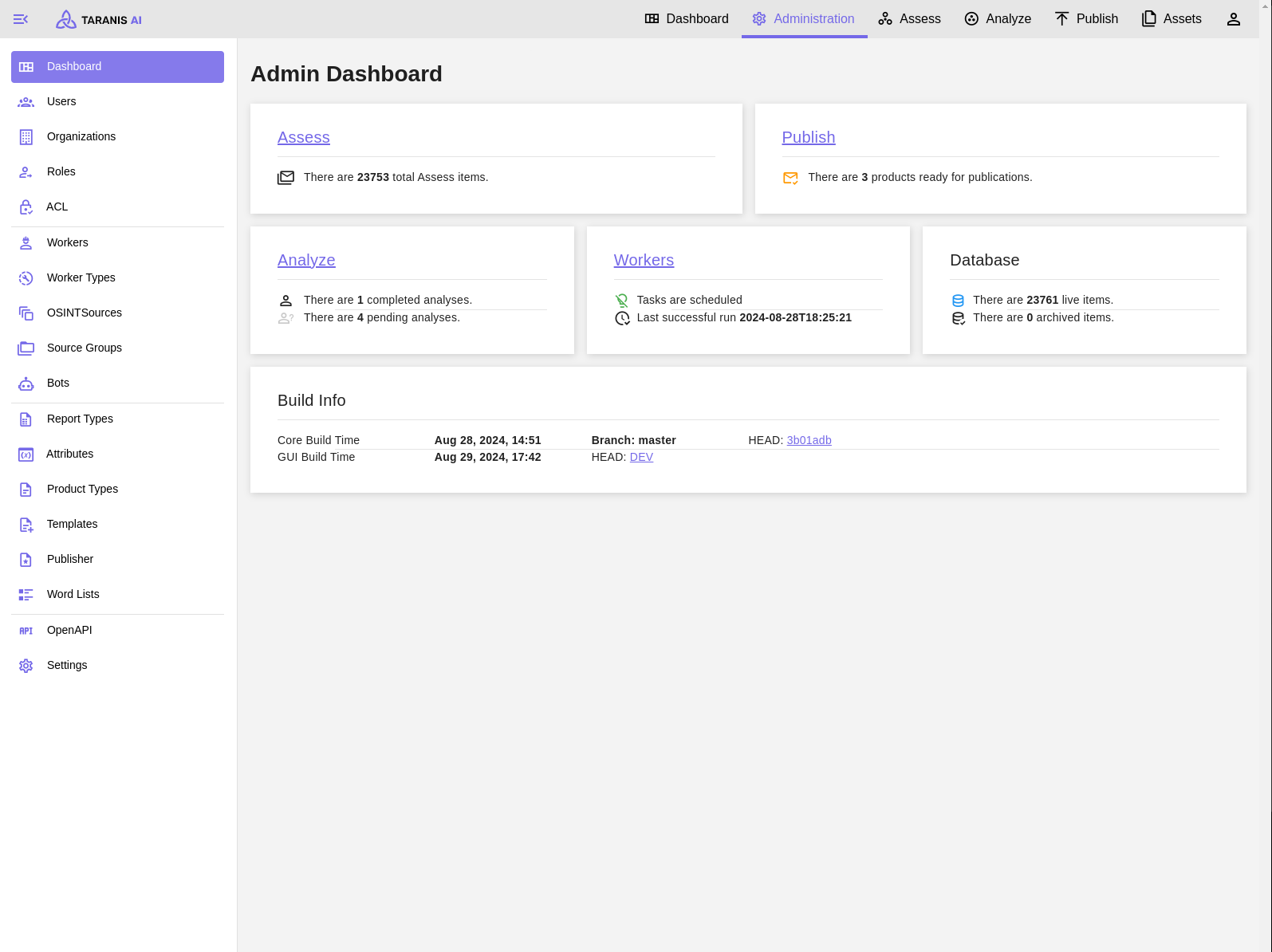
Users, Organizations and Roles can be managed by admin users in the Administration tab.
General usage of Taranis AI
Configure, preview, import, export, and collect OSINT sources.
Admin users can manage report types (in the Administration tab). Each report type can have different attribute groups. To those groups various attributes (Text Area, Date, TLP, CPE, etc.) can be added. Attributes can be managed in Administration/Attributes.
Bots enrich collected Stories and News Items in the background.
Collectors are used to gather data from various sources.
Connectors are used to push information out of Taranis AI (experimental)
Publishers allow handling created products.
Configure IntelOwl enrichment for indicators of compromise.
Product Types facilitate the publication of products capable of aggregating multiple report items.
The settings section enables the administrator to make global changes.
Configure the LLM provider used by analyst Chat.
The admin user can access the Taranis API through Swagger UI. Swagger UI displays OpenAPI specifications as an interactive API documentation.